
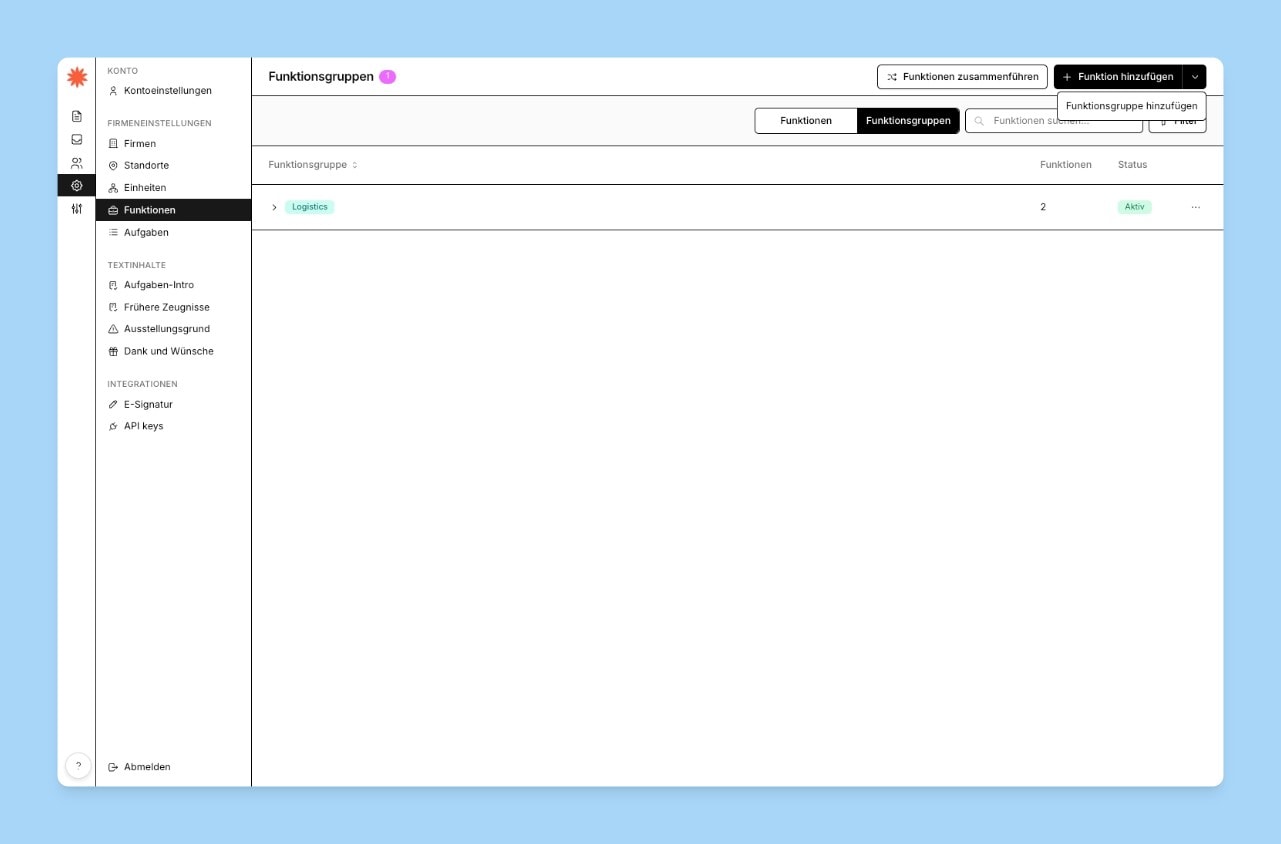
If you have several functions that have the same tasks, you can create function groups. This is for a better overview. This way, you only have to edit the task once and cannot forget it for one function.
Create function group:
go to the Funktionen page
click the arrow to the right of Hinzufügen at the top right
click Funktionsgruppe hinzufügen
enter the group name
save
Add function to function group:
go to the Funktionen page
go to Funktionsgruppen
click the three dots next to the function group
click Funktionen zuordnen
select one or more functions in the dropdown
click Speichern
Add task to function group:
see Add task to several functions
In the dropdown of Zuweisung hinzufügen, you can see the groups and click the group name, and all functions are selected for this task.
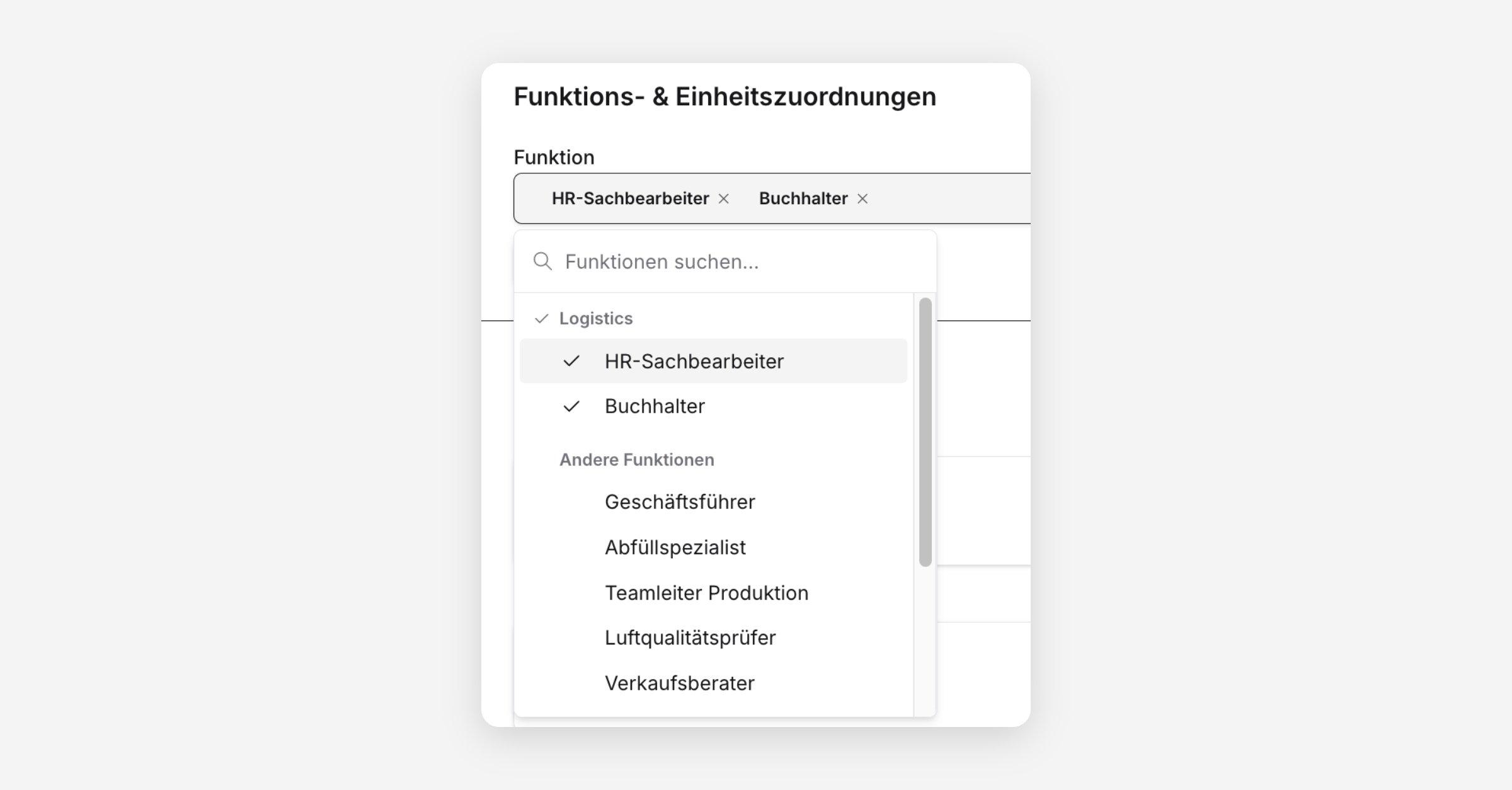
once the task is saved, it is visible for all selected functions
If you want to remove it from one function, do it the same way as Remove assignment via the trash icon