
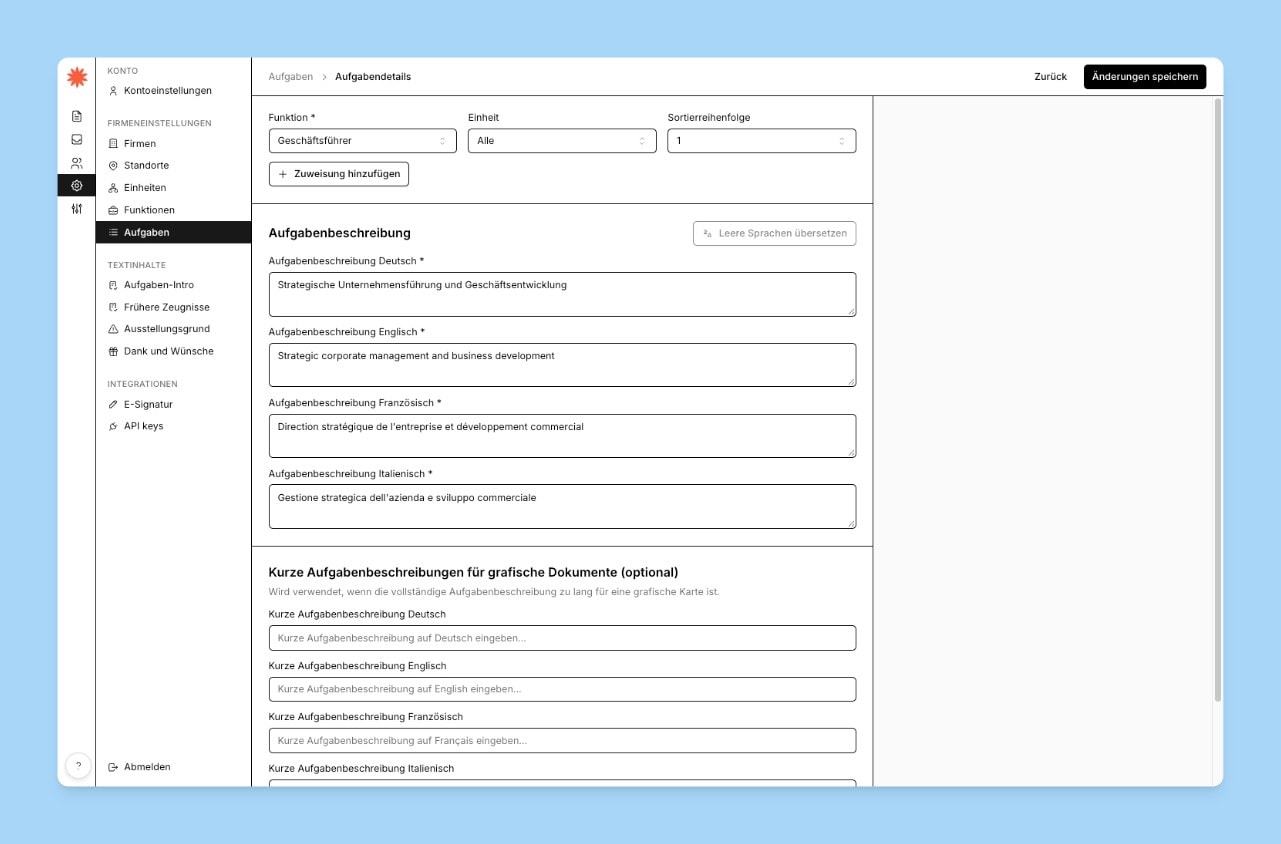
Add task to multiple functions:
go to the Tasks page
search for and click the function
click the task
click [Add assignment]
select the next function in the dropdown
click save to the right of the function
click Save changes in the top right
if it is a new task:
you can click the whole function group directly in the function dropdown
Remove task from multiple functions:
go to the Tasks page
search for and click the function
click the task
click the trash icon to the right of the function that should no longer have the task
Confirm deletion by clicking Delete
click Save changes in the top right