
Skriba changelog
Sentence by sentence or all at once: edit reviews flexibly
Feature Release
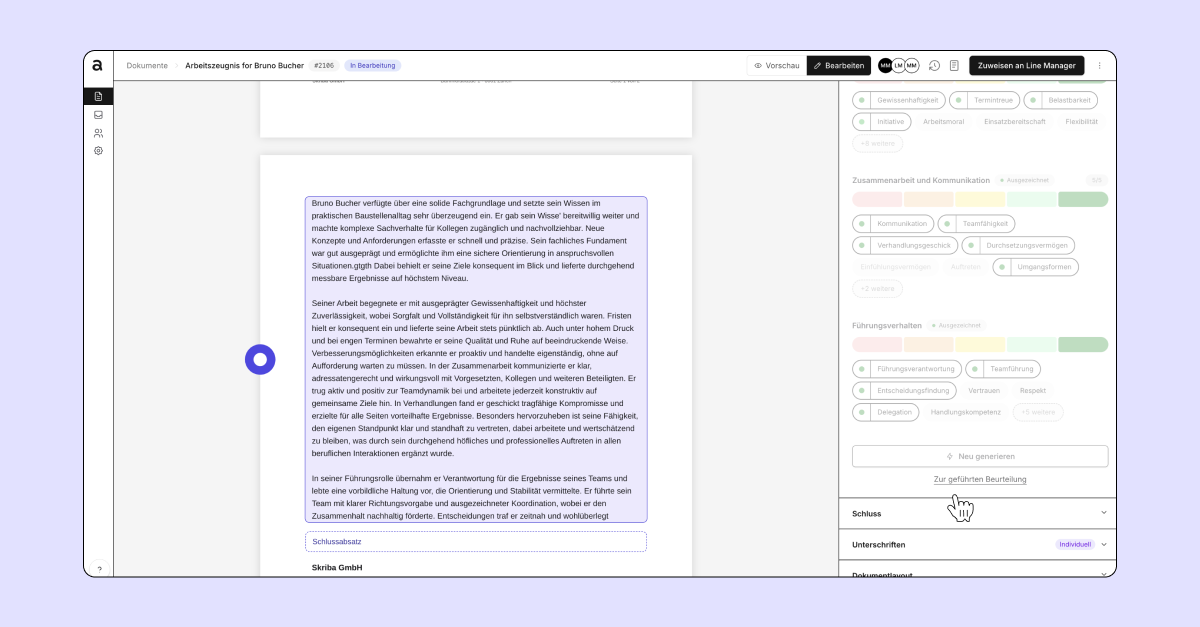
Single sentences or the whole assessment: editing is now unified.
Before, you had to decide up front whether to adjust single sentences or switch to manual mode. That distinction is gone. You edit directly in the document, whether it's a word, a sentence or the whole assessment.
You can edit and regenerate texts by double-clicking or through the context menu. You open the context menu with a single click on the text you want. Changes are saved automatically, and manually edited content is clearly marked.
Nothing changes with permissions. HR and managers can still only edit the content intended for their role.